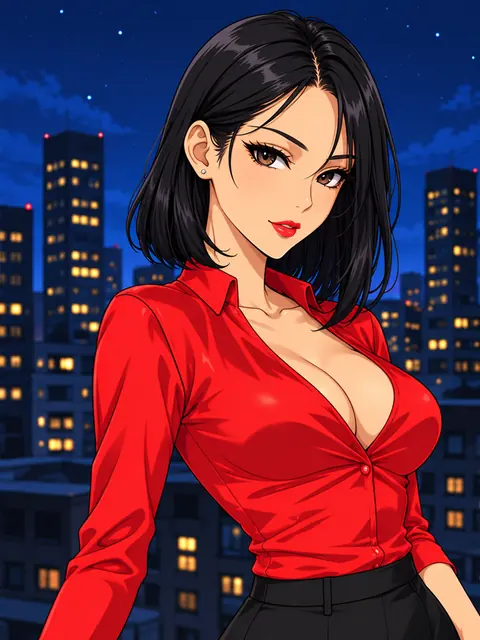
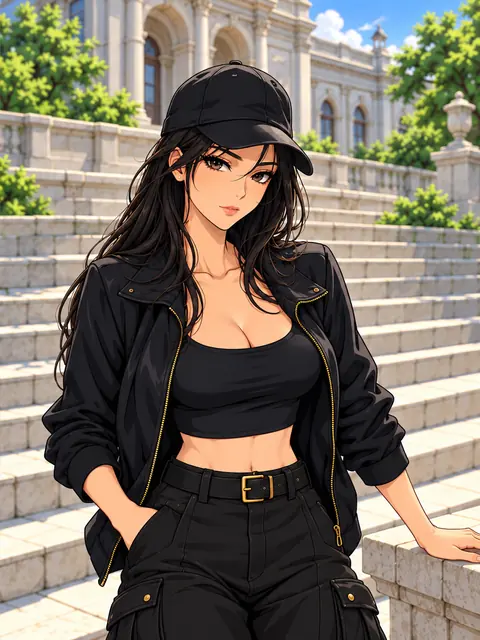
Three things about LoveScape's image features could be confirmed from public material: the anime category, the step from images to video, and profile and input adjustment. We haven't tested the results after use, so please don't read a feature name as a promise of a free allowance or quality.
What the anime category means
LoveScape's anime category is an entry point for finding anime-style images. With a dedicated category, there's less effort in hunting for the picture you want. The samples listed there are finished examples, and may not reflect typical output. How many tries it takes to land the image you're after, and how finely you can change it, can't be known without testing separately.
Even if anime-style output is your goal, tastes in linework, shading and colour vary from person to person. LoveScape having an anime category doesn't mean it will match the art style you want. Work out the conditions from the screen size you'll view saved images on and the format you need, and you won't sign up on a sample's impression alone.
Extending images into video
LoveScape's official explanation describes a flow where images and video are made together. It's a closely related feature for anyone who starts with stills and thinks about video later. Our editors haven't checked whether every image can become video under the same conditions, or whether faces and clothing hold steady throughout.
If you make video on LoveScape, check length and resolution apart from the image saving terms. Short clips and longer pieces serve entirely different purposes. It feels like a waste to choose a higher plan for video features you won't use when you're after stills. Decide the output you want first, and the terms become much easier to read.
Profile and input adjustment
LoveScape's public description says you can adjust profiles and input conditions. It matters to people who want to reuse a character or background across several formats, but which plan lets you adjust what has to be checked on screen. Being able to save a profile doesn't mean each image will come out exactly the same.
You don't need to put personal information into a character profile. Use a made-up name and setup, and don't use photos of other people, names of real people or characters from existing works as material for adult content. If you keep your inputs, it's important to check the current description for where you can delete history and images.

 日本語
 English (UK)
 Español
 Deutsch
 Português
 Français